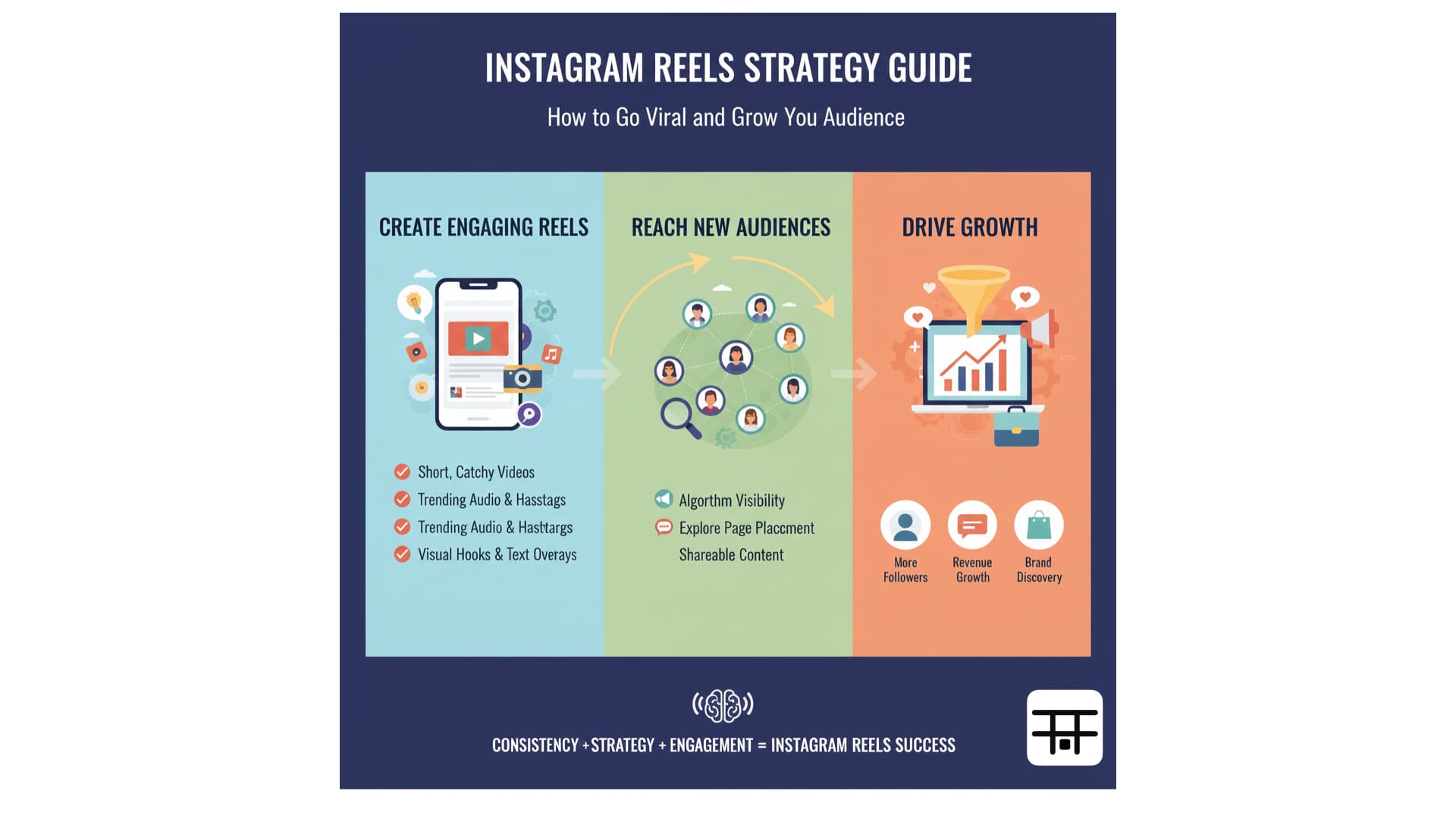
How to Schedule Instagram Reels and Stories
Step-by-step guide to scheduling Instagram Reels and Stories. Use native tools or Postonus to plan and publish at the best times.

Scheduling Instagram Reels (and planning Stories) lets you publish when your audience is most active without being on your phone at that exact moment. This guide covers how to schedule Reels, how to plan Stories, and how Postonus and other tools fit in—so you can hit the best times to post on Instagram every time.
Reels can be scheduled in advance with many tools; Stories often need same-day posting due to platform limits, but you can still plan the content and time in advance.
Why Schedule Instagram Reels and Stories?
- Best timing: Publish during optimal Instagram times (e.g. 9 AM–12 PM and 5–7 PM for Reels) without being online then.
- Consistency: Keep a regular cadence even on busy days.
- Batching: Create several Reels in one session and schedule them across the week.
- Less stress: No last-minute “what do I post?”—it’s already queued.
How to Schedule Instagram Reels
Option 1: Meta Business Suite (Facebook)
If your Instagram account is connected to a Facebook Page:
- Go to business.facebook.com and open Meta Business Suite.
- Select your Instagram account (or the Page linked to it).
- Click Create → Instagram Reel.
- Upload your video, add caption and cover, then choose Schedule and pick date and time.
- Confirm; the Reel will publish automatically at that time.
This is free and official. Use it with best times for Reels for better reach.
Option 2: Third-party schedulers (e.g. Postonus)
Many scheduling tools support Instagram Reels:
- Connect your Instagram account (usually via Facebook login for business/Creator accounts).
- Upload your Reel in the tool, write caption and optional first comment (e.g. hashtags).
- Choose the date and time—often with best-time suggestions—and schedule.
Postonus lets you schedule Reels alongside feed posts and other platforms (Facebook, X, LinkedIn, TikTok), so you manage everything from one calendar. Schedule several Reels in one go and let them go out at the right times all week.
Instagram’s API can change what third-party tools are allowed to do. Use a compliant tool and confirm Reel scheduling is supported for your account type.
Best Times to Schedule Instagram Reels
From our Instagram timing guide:
- Peak: 9 AM – 12 PM and 5 PM – 7 PM (weekdays)
- Weekends: 10 AM – 2 PM can work for lifestyle and casual content
Set your Reel schedule in Postonus or Meta Business Suite to match these windows for your time zone.
How to “Schedule” Instagram Stories
Instagram doesn’t allow true third-party scheduling of Stories in the same way as feed posts or Reels. You have two practical approaches:
1. Plan and post manually at set times
- Content calendar: Decide in advance what Stories you’ll post and when (e.g. “Monday 8 AM – tip; Wednesday 6 PM – behind the scenes”). Use our content calendar guide.
- Reminders: Set a phone reminder for those times and post when it goes off.
- Drafts: Create the Story in the app and save as draft; when the time comes, open drafts and publish.
This gives you the benefit of planning and consistency even though you tap “Post” yourself.
2. Use a tool that supports Stories (where available)
Some tools can publish to Stories via the API when Instagram allows it. Check your scheduler’s current features; if Stories are supported, you can queue them like Reels. If not, the “plan + reminder + draft” method above is the standard approach.
Reels vs Stories: When to Use Which
| Reels | Stories | |
|---|---|---|
| Lifespan | Long (discoverable in Explore) | 24 hours |
| Scheduling | Yes (native + many tools) | Plan + manual or limited API |
| Best for | Evergreen tips, trends, how-tos | Updates, polls, real-time feel |
| Best times | 9–12, 5–7 PM | 7–9 AM, 5–7 PM |
Schedule Reels for reach and discovery; plan Stories for daily touchpoints and engagement.
Workflow With Postonus
- Plan the week in your content calendar (Reels + Story ideas).
- Create Reels in batches and upload to Postonus.
- Schedule each Reel at a best time (and schedule other platforms from the same tool if you cross-post).
- Stories: Add Story slots to your calendar and post at those times (or use your tool if it supports Stories).
For a full picture of scheduling across networks, see best times to post on social media and best social media scheduling tools.
Summary
Schedule Instagram Reels via Meta Business Suite or a tool like Postonus at best times for Reels. Plan Instagram Stories with a content calendar and post at set times (or use a scheduler if it supports Stories). Consistency and timing matter more than perfection—so set up a simple system and stick to it.
Schedule your Instagram Reels at the best times—try Postonus for multi-platform scheduling including Instagram.