
Schedule LinkedIn Posts Automatically (Without Reminders)
Plan, preview, and auto-publish LinkedIn posts from one place. You will never miss the right time to post again.
Manual LinkedIn Posting Breaks the Moment
- ✗ You write posts… then forget to publish
- ✗ You rely on calendar reminders
- ✗ You miss optimal posting times
- ✗ Drafts get buried in notes or Notion
LinkedIn rewards consistency. Manual posting makes it impossible.
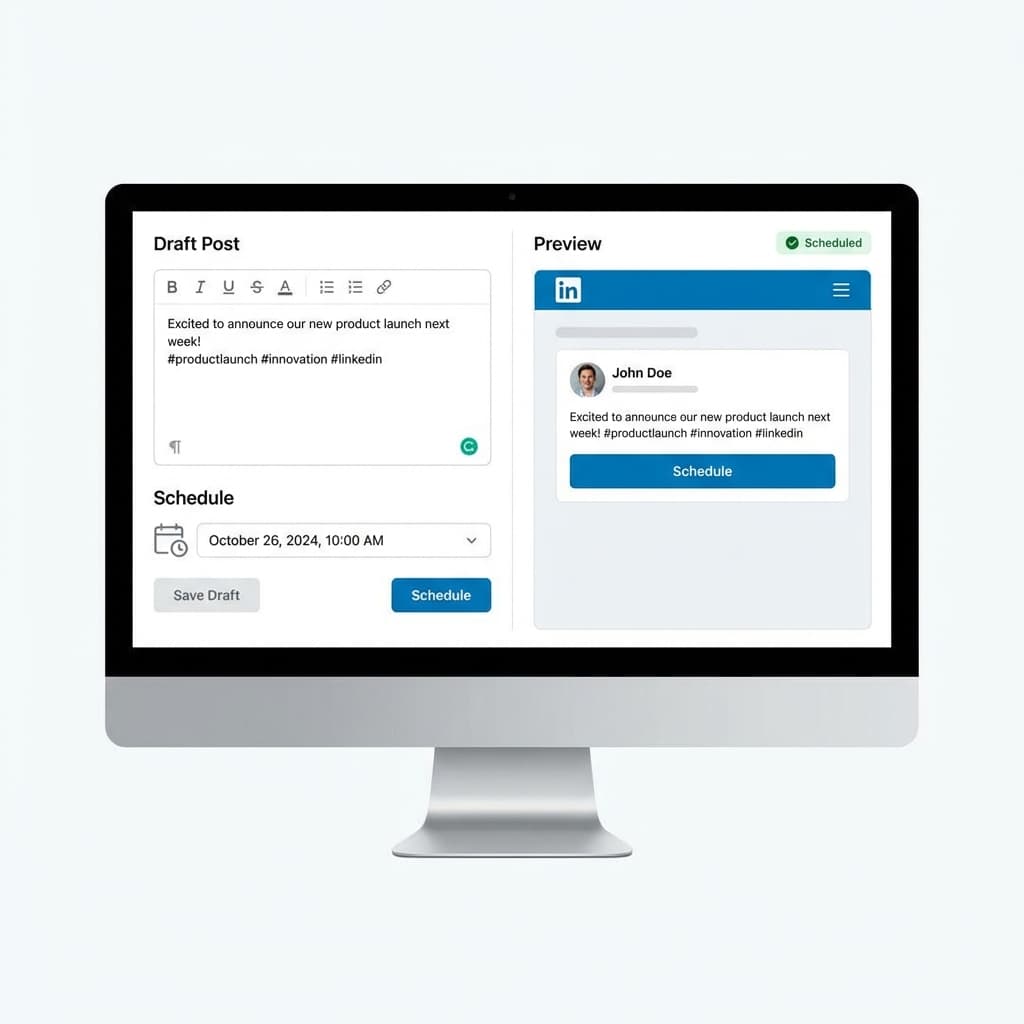
How to Schedule LinkedIn Posts with Postonus
Connect your account
Link your LinkedIn profile instantly.
Write & Preview
Create your post and see how it looks.
Choose Date & Time
Pick the perfect slot.
Auto-Publish
We handle the rest, hands-free.
Capabilities
Everything You Need Everything You Need to Schedule LinkedIn Posts
- LinkedIn-accurate post preview
- See exactly how your post will appear on LinkedIn before it goes live.
- Time-zone aware scheduling
- Pick when your audience is most likely to engage, in their time zone.
- Drafts & rescheduling
- Edit drafts or change schedules any time before publishing.
- Bulk post scheduling
- Schedule multiple posts at once to save time.
- Post status tracking
- Keep track of what’s scheduled, published, or in drafts.
Built for People Who Post on LinkedIn Seriously
Questions
Frequently Asked Questions Everything the first evaluation usually needs.
- Can I schedule LinkedIn posts automatically?
Yes. Postonus publishes posts on your behalf at the scheduled time.
- Is LinkedIn scheduling allowed?
Yes. LinkedIn supports post scheduling via approved tools.
- Can I edit or reschedule posts?
Yes. Edit drafts or reschedule anytime before publishing.
- Does this work for company pages?
Yes. You can schedule posts for both personal profiles and company pages.
- What if I'm already on Buffer / Pallyy / Publer?
Keep them. Run Postonus side-by-side for 30 days. Put your 3 best posts into a Growth Workflow. If it isn't earning its keep, cancel us — not them.
- Does the AI write my posts?
No. You write the post. Postonus's AI re-fits your draft into each platform's native shape — character limits, tone, hashtag norms. You review every variant before it publishes. Voice profile keeps it sounding like you.
- Which platforms do you support?
Fourteen: Instagram, TikTok, YouTube, LinkedIn, Facebook, X, Threads, Pinterest, Bluesky, Reddit, Telegram, Discord, Google Business Profile, and Tumblr. WhatsApp Groups support is in beta.
- How does the 14-day trial work?
Pick any plan. We don't ask for a card up front. At day 14, add a card or downgrade. We email you on day 12 to remind you.
- Can I import from another tool?
Yes. Bulk CSV import handles up to 50 posts per file (multiple files OK). Direct-from-Buffer import is on the Q4 roadmap.
- What happens if a post fails to publish?
Workers retry with exponential backoff. Failures show up in the Activity Feed with one-click retry. We email you only for unrecoverable failures (e.g. revoked token).
Start Scheduling LinkedIn Posts Today
No reminders. No missed posts. Just consistent publishing.