What Is Social Media Scheduling? A Complete Guide
Learn what social media scheduling is, how it works, and why it matters. Plus tools and best practices for scheduling posts across platforms.

Social media scheduling is the practice of creating posts in advance and setting them to publish automatically at chosen dates and times. Instead of opening each app and posting live, you plan and queue content in a scheduling tool (like Postonus) or a platform’s native scheduler, and the posts go out on their own. This guide covers what it is, how it works, and how to do it well.
Definition: Social Media Scheduling
Social media scheduling means:
- Writing (or designing) posts ahead of time
- Choosing the date and time each post should go live
- Letting a tool or platform publish them automatically at those times
You can schedule a single post or many; you can schedule to one platform or to several from one place. The goal is to stay consistent without having to be online at the exact moment of posting.
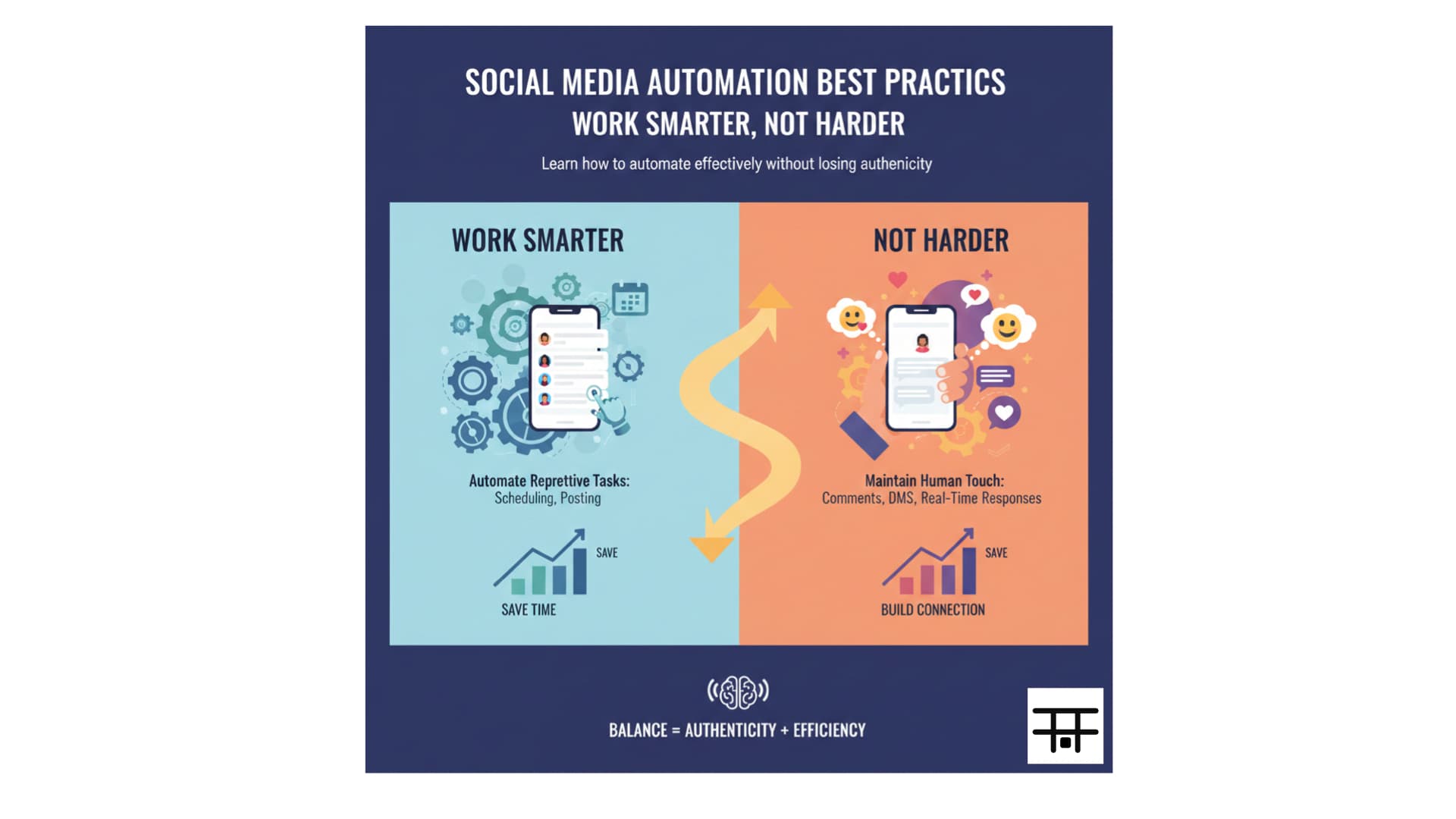
Scheduling doesn’t mean “set and forget.” Plan your content, use best times to post, and review performance regularly.
How Social Media Scheduling Works
- You create content (copy, image, video) in a scheduling tool or in the platform’s app.
- You set the publish time (and optionally the date) for each post.
- The tool or platform stores the post and, at the scheduled time, publishes it to the chosen network(s).
Many tools (including Postonus) support:
- Multi-platform scheduling: One place for Instagram, Facebook, X (Twitter), LinkedIn, TikTok, Pinterest, etc.
- Calendar view: See the week or month and drag posts to different times.
- Bulk upload: Schedule many posts at once (e.g. from a spreadsheet or CSV).
- First comment: e.g. auto-posting a first comment with hashtags on Instagram.
Platforms often have built-in schedulers (e.g. Meta Business Suite, LinkedIn, X). Third-party tools usually offer more platforms in one view, better calendars, and extra features like analytics or team workflows.
Why Schedule Social Media Posts?
- Consistency: Algorithms and audiences favor regular posting. Scheduling helps you keep a steady cadence even on busy days.
- Best timing: You can publish at optimal times without being online at 7 a.m. or 9 p.m.
- Efficiency: Batch creating and scheduling in one block is faster than posting one-by-one throughout the day.
- Planning: You can align posts with campaigns, product launches, and holidays instead of reacting last-minute.
- Work–life balance: Content goes out while you focus on other work or offline time.
Scheduling vs. Live Posting
| Scheduling | Live posting | |
|---|---|---|
| When content is created | In advance | At moment of post |
| When it publishes | At set time, automatically | Immediately when you hit “Post” |
| Best for | Planned content, consistency, multiple platforms | Breaking news, stories, real-time engagement |
| Tools | Postonus, Buffer, Hootsuite, native schedulers | In-app only |
Both have a place. Use scheduling for the bulk of your content; use live posting when timeliness or spontaneity matters (e.g. Stories, quick replies, news).
What to Look for in a Scheduling Tool
- Platform coverage: All the networks you use (Instagram, Facebook, X, LinkedIn, TikTok, etc.).
- Calendar and bulk scheduling: Visual calendar and ability to add many posts at once.
- Reliability: Posts actually go out on time (check reviews and your own tests).
- Ease of use: Quick to learn and use so you’ll stick with it.
- Extra features (optional): Analytics, best-time suggestions, team approval, link-in-bio.
For a focused, multi-platform scheduler that includes TikTok, compare top tools here; Postonus is built for exactly this use case.
Best Practices for Social Media Scheduling
- Match times to your audience: Use best times to post and your own analytics to pick slots.
- Use a content calendar: Plan themes and pillars so your queue isn’t random. See how to build a content calendar.
- Leave room for real-time posts: Don’t fill every slot; keep flexibility for timely or reactive content.
- Review before publish: Glance at the week in your tool’s calendar to catch errors or last-minute changes.
- Check performance: See what worked and adjust your mix and timing over time.
Scheduled posts still need to comply with each platform’s rules. Avoid spammy frequency, respect community guidelines, and keep content authentic.
Common Questions
Is social media scheduling allowed? Yes. Major platforms allow scheduling through their own tools or approved third-party apps. Using a compliant tool like Postonus keeps you within platform policies.
Can I schedule to multiple platforms at once? Yes. Most scheduling tools let you create one post and send it to several platforms (with optional per-platform tweaks for copy or format).
Do I need to pay for a scheduler? Not necessarily. Some platforms have free built-in scheduling (e.g. Meta Business Suite, LinkedIn). Free tiers of tools like Buffer or Postonus exist; paid plans add more accounts and features.
What’s the difference between scheduling and automation? Scheduling is “publish this at this time.” Automation can include rules (e.g. auto-reply, recycle evergreen content). Scheduling is a type of automation focused on publish time.
Summary
Social media scheduling means creating posts in advance and publishing them automatically at set times. It helps you stay consistent, hit best posting times, and save time. Use a tool that supports all your platforms and fits your workflow—whether that’s a native scheduler or a multi-platform app like Postonus—and combine it with a content calendar for a full system.
Ready to schedule smarter? Start scheduling with Postonus across Instagram, Facebook, X, LinkedIn, TikTok, and more.