Social Media Management for Small Business: A Practical Guide
How small businesses can manage social media without a big team or budget. Strategy, tools, and tips—including scheduling with Postonus.

Small businesses often run social media with limited time and budget—sometimes just the owner or one employee. The right approach and tools make it manageable: focus on a few platforms, plan content in advance, and use scheduling so you’re not glued to your phone. This guide covers practical social media management for small business and how Postonus can help you stay consistent without a big team.
Why Social Media Matters for Small Business
- Visibility: Locals and niche audiences find you through search and discovery.
- Trust: Regular posts and replies show you’re active and responsive.
- Leads and sales: Links to your site, offers, and DMs can turn followers into customers.
- Cost: Organic social is free apart from your time; paid ads can be added later with a small budget.
The challenge is doing it consistently. That’s where social media scheduling and a simple content calendar come in—and tools like Postonus that don’t require a big learning curve or enterprise budget.
Step 1: Choose Your Platforms
Don’t be everywhere. Pick based on:
- Where your customers are: B2B often focuses on LinkedIn; local services on Facebook and Instagram; younger audiences on TikTok or Instagram.
- What you can sustain: 1–2 platforms with 3–5 posts per week beats 5 platforms with random posting.
- Format you’re comfortable with: If you hate being on camera, lean into carousels, images, and text instead of Reels or TikTok.
Commit to your choices for at least 3 months before adding another channel.
Step 2: Set Simple Goals
- Awareness: Reach, followers, profile visits.
- Engagement: Likes, comments, shares, saves.
- Action: Website clicks, DMs, form fills, sales.
Pick one primary goal per quarter (e.g. “grow Instagram reach” or “get more DMs from the website link”). Use best times to post so your limited posts have the best chance to perform.
Step 3: Create a Lightweight Content Plan
- Content pillars: 3–4 themes (e.g. tips, behind the scenes, offers, testimonials).
- Cadence: How many posts per week you can realistically create (e.g. 3 on Instagram, 2 on Facebook).
- Calendar: A simple spreadsheet or the calendar in your scheduler with dates, platform, topic, and status.
See how to build a content calendar for a template and workflow. Postonus lets you schedule those posts across platforms so they go out at optimal times without you being online.
Step 4: Batch Create and Schedule
Small teams can’t create content every day. Instead:
- Block 1–2 hours per week (or every two weeks) to create the next batch of posts.
- Write captions and gather images in one sitting.
- Schedule everything in Postonus for the coming week(s) at best times to post.
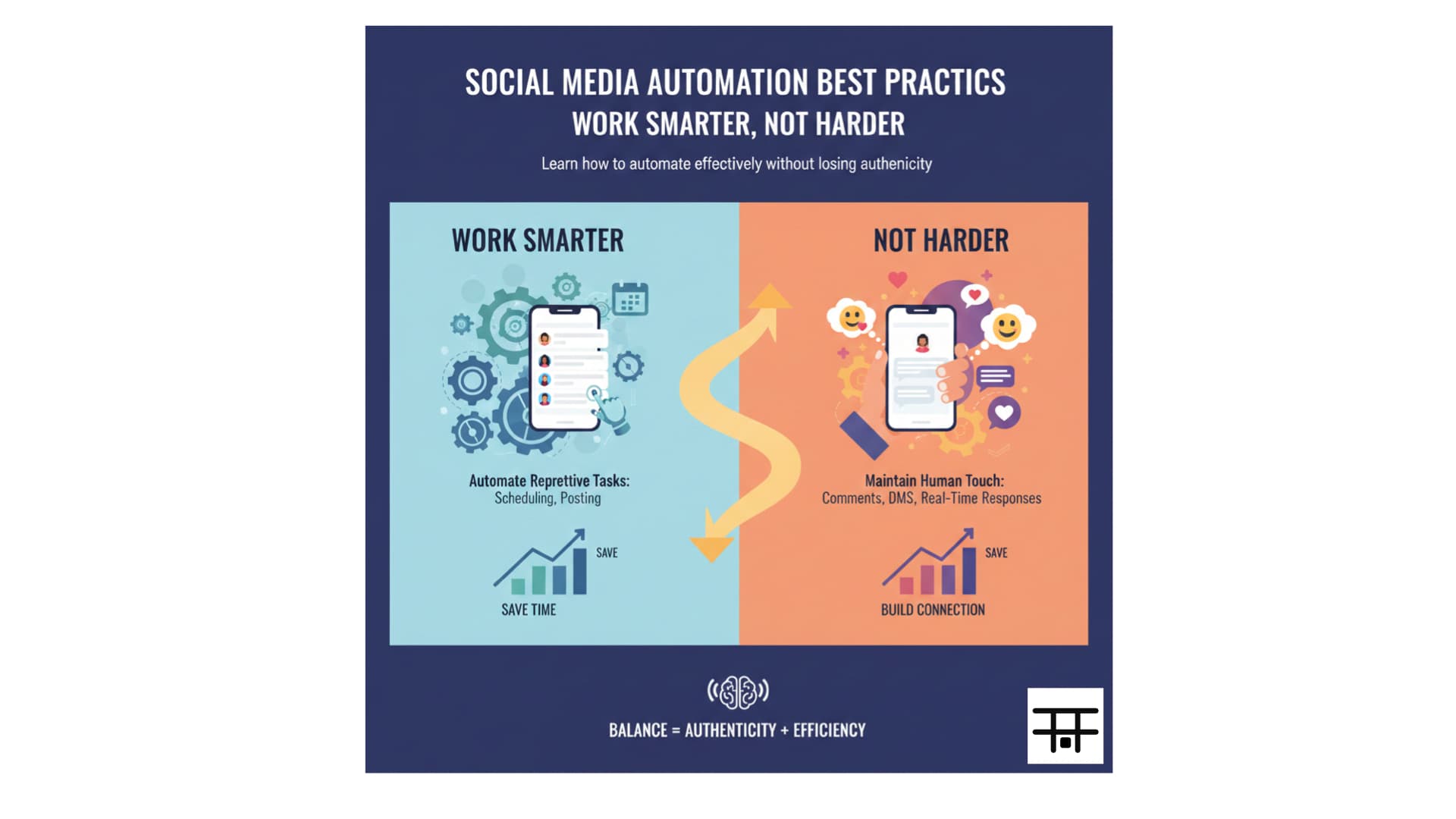
You stay consistent without daily content crunch. For more on batching and automation, read social media automation best practices.
Step 5: Use the Right Tools
You don’t need enterprise software. Focus on:
- Scheduling: One tool for all your chosen platforms. Postonus covers Instagram, Facebook, X, LinkedIn, TikTok, and more—simple and affordable for small business.
- Design: Canva (free/paid) for graphics; phone for quick video.
- Analytics: Start with native insights (Instagram Insights, Facebook Insights); upgrade to your scheduler’s analytics if you need more.
For a comparison of schedulers (including Postonus), see best social media scheduling tools.
Step 6: Engage When You Can
Scheduling handles publishing; you still need to show up for:
- Comments and DMs: Reply in your own voice, ideally within 24 hours.
- Stories: Quick replies or stickers when you have time.
- Relevant conversations: Comment on others’ posts in your niche when it’s natural.
Even 15 minutes a day of engagement can make a big difference. Don’t try to automate replies—keep that human.
Small business social media works when it’s consistent and authentic. A few good posts per week plus real engagement beat a chaotic presence on many platforms.
Content Ideas for Small Business
- Tips: How-to related to your product or service
- Behind the scenes: Team, process, or day in the life
- Testimonials and reviews: With permission, share customer words and photos
- Offers: Promos, limited-time deals, or “link in bio”
- Local: Events, community, or “we’re here” content
- User-generated content: Reshare and tag customers (with permission)
Use these in your content calendar and schedule with Postonus so they go out on a steady rhythm. For more ideas, see content creation tips for engagement.
Summary
Small business social media management works when you: choose 1–2 platforms, set one clear goal, plan content with a simple calendar, batch create and schedule with a tool like Postonus, and spend a few minutes daily on engagement. You don’t need a big team—you need a system. Postonus helps you publish at best times so your small business stays visible without burning out.
Small business social made simple. Schedule your posts with Postonus and keep your presence consistent across Instagram, Facebook, and more.